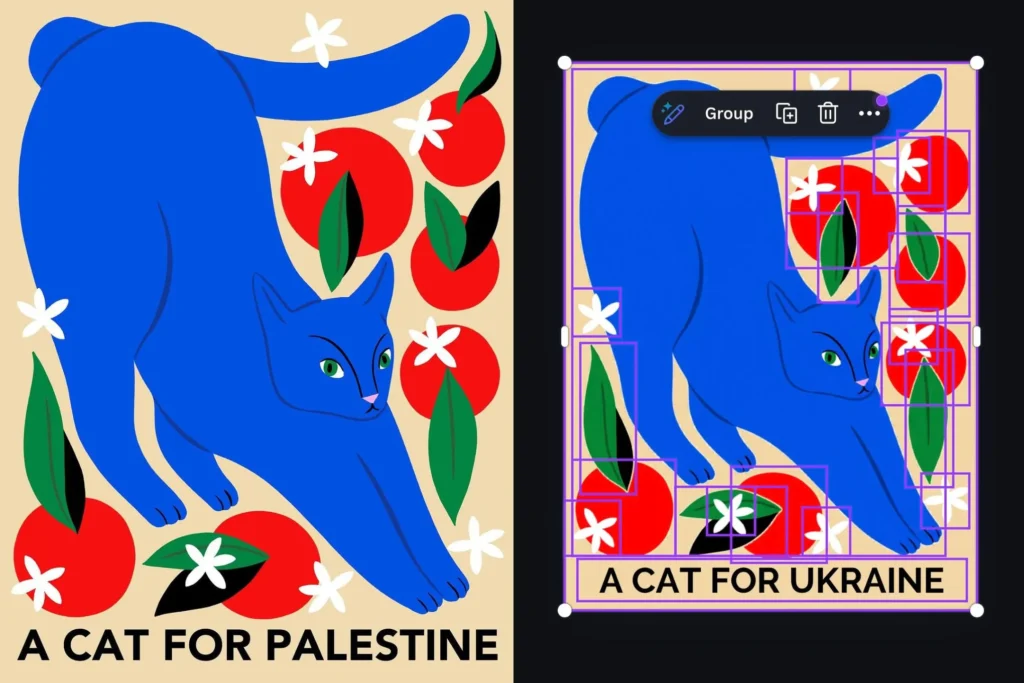

I suddenly feel so much better about every embarrassing typo I’ve ever made.
One of Canva’s newer AI features, Magic Layers, is supposed to help you break flat images into separate editable components. It’s not supposed to rewrite your text. But that’s exactly what it did when X user @ros_ie9 fed it a design reading “cats for Palestine.” The AI quietly swapped “Palestine” for “Ukraine.”
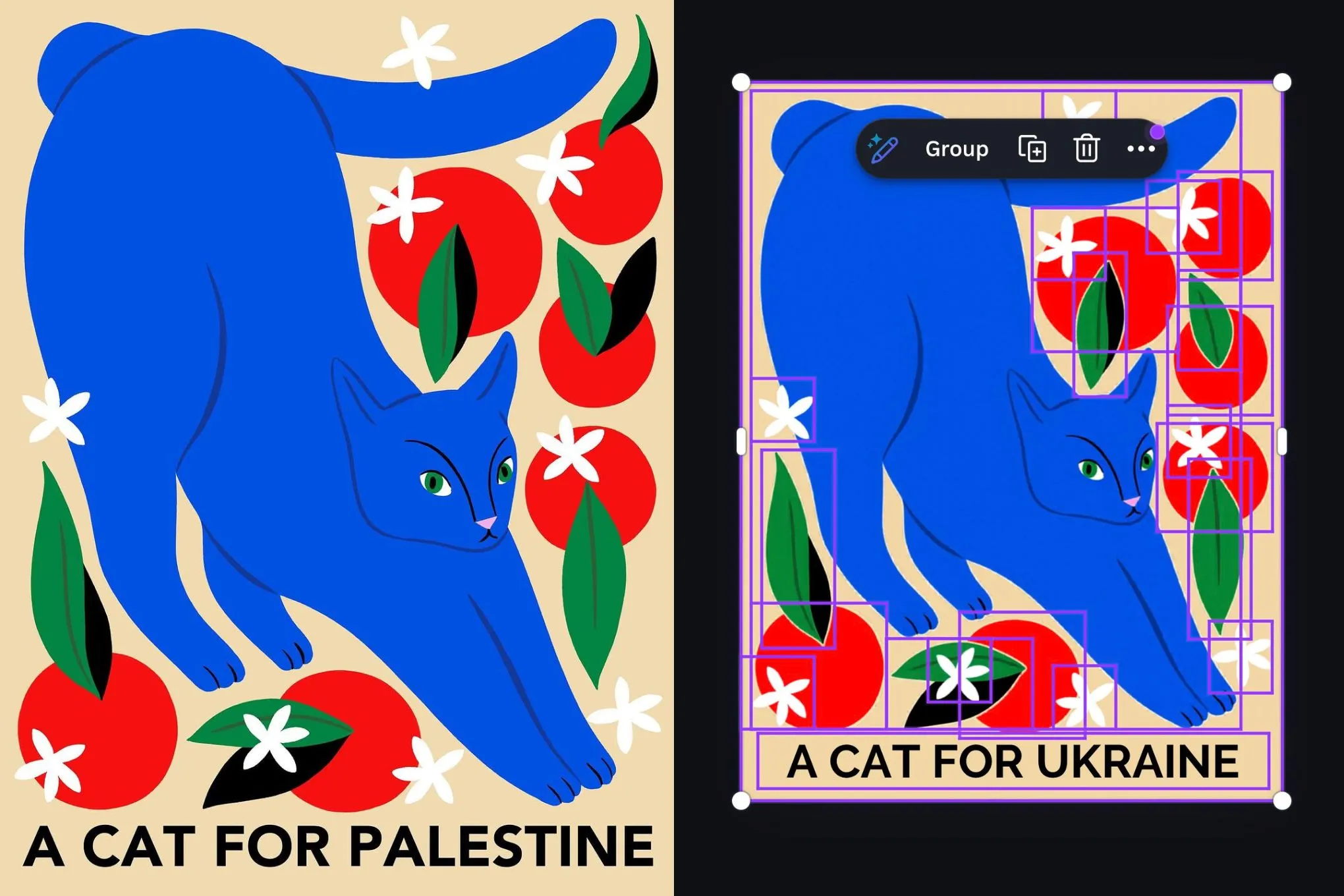
This wasn’t some broad censorship sweep. The user noted that related terms like “Gaza” went through just fine. The issue was laser-focused on the word “Palestine” itself. That’s the weird part — it’s not like the AI was scrubbing all sensitive geopolitical content. It singled out one term.
Canva says it’s now resolved the problem and is taking steps to prevent it from happening again. I’m sure they are. But let’s be honest: this kind of thing is exactly why people don’t trust AI tools with anything remotely political. When a feature that’s supposed to just separate layers decides to edit your message instead, it stops being a tool and starts being an editorial gatekeeper.
The company’s statement — which The Verge got a snippet of — acknowledges the issue but doesn’t explain how or why the AI made that specific substitution. That’s the part I’d really like to see. Was it a training data artifact? A poorly tuned filter? Someone’s well-intentioned but disastrous moderation list?
This isn’t the first time a generative AI has stumbled over place names or political terms. Google’s Gemini had its own controversies with image generation. Midjourney has weird biases baked into its outputs. But Canva’s case is different because Magic Layers isn’t supposed to be generating new text at all — it’s a layout tool. Users expect it to respect their input, not rewrite it.
If you’re using Canva for anything remotely sensitive, I’d double-check every output until they release a proper technical explanation. Trust but verify, as they say. And if you’re building AI features, maybe don’t hardcode substitutions for specific country names. That never ends well.
Comments (0)
Login Log in to comment.
Be the first to comment!