
Google didn’t waste any time shoving Gemini into Workspace apps, and now they’re going back to polish what they tossed in.
The company announced a revamp of its AI features across Drive, Docs, Sheets, and Slides. The pitch is the same one we’ve heard a dozen times: free you from the tyranny of the blank page. This time, though, the AI is supposed to do more than just generate text. It can pull context from across your Google account — Gmail, past documents, Google Chat, even the web — and use that to create drafts that supposedly don’t need heavy editing.
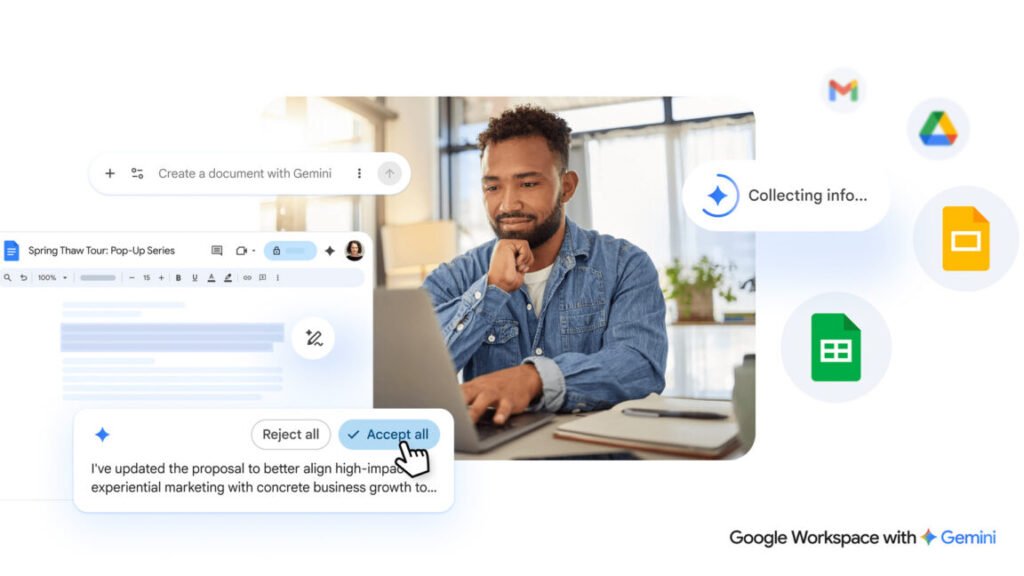
If you open a new Google Doc right now, you’ll already see some AI tools at the top. Google is refining that interface. The new system puts a chatbot-style text box at the bottom of a fresh document. Type what you want, and Gemini spits out a first draft. You can also feed it sources: an email thread, a chat conversation, a previous doc. It’s a neat trick, but I’m skeptical about how well it handles mixed context. My Gmail is a disaster zone of newsletters and order confirmations — I’m not sure I want that influencing my quarterly report.
The editing side also gets attention. You can highlight a section and ask for changes, or use prompts to reformat the entire document. There’s also AI-assisted style matching, which Google says will help when multiple people are editing the same doc. That sounds useful in theory, but I’ve seen too many “smart” formatting tools turn a clean document into a mess of inconsistent headings and random italics. We’ll see.
Google is careful to note that all Gemini suggestions stay private until you approve them. That’s a smart move given the corporate paranoia around AI and data leaks. But it also means the AI is doing a lot of background work that might never surface.
Sheets and Slides get similar treatment. Gemini can generate charts, suggest formulas, and even stylize slide decks. The demo looked smooth, but demos always do. Real-world use will be the test.
None of this is revolutionary. It’s Google catching up to what Microsoft has been doing with Copilot, and frankly, what third-party tools have offered for years. The difference here is the tight integration with Google’s ecosystem. If you live in Workspace, this might actually save you time. If you don’t, it’s just another AI wrapper.
Personally, I’m more interested in the context-gathering feature than the text generation. If Gemini can reliably pull relevant information from my email and chats without surfacing that embarrassing typo from a client message two years ago, I’ll be impressed. Until then, I’ll keep my squishy human brain engaged.
Comments (0)
Login Log in to comment.
Be the first to comment!