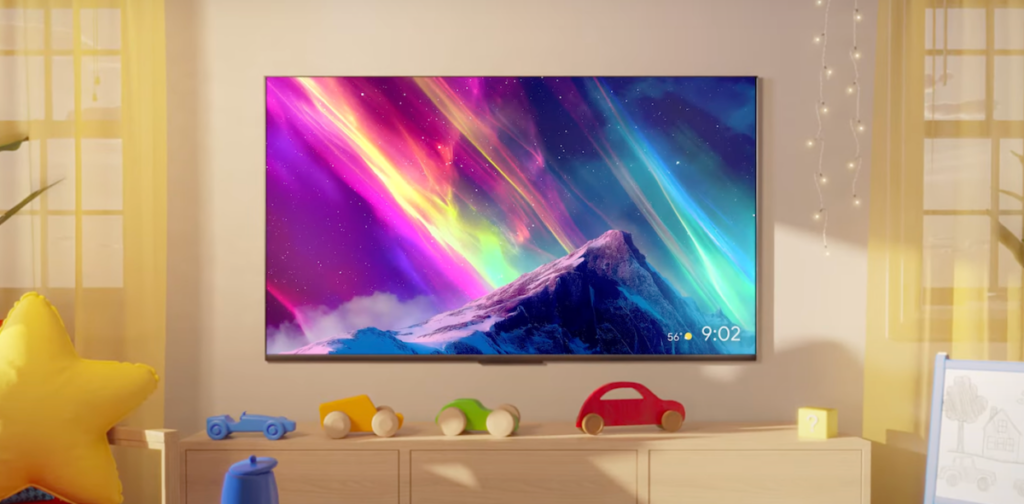

Google TV just got another infusion of Gemini features, and this time they’re bringing along two tools that sound more like dessert names than actual products: Nano Banana and Veo.
Nano Banana is a photo editing tool that runs locally on your device. No cloud round-trips, no waiting for processing. You can tweak images, apply filters, or remove objects right there on your TV. It’s a neat idea in theory, but I have to wonder how many people are actually editing photos on their TV. The remote is not a stylus, and navigating layers with a D-pad sounds like a chore. Still, for quick adjustments before casting to the big screen, it could be handy.
Veo is Google’s video generation model, and it’s coming to Google TV as well. You’ll be able to generate short video clips from text prompts, presumably for things like custom screensavers or social media snippets. The quality of Veo output has been decent in demos, but running it on a TV feels like a solution in search of a problem. Who’s sitting on their couch typing out video prompts? Maybe for kids or creative tinkerers, but this is a niche feature at best.
Beyond those two, there are also more general Gemini integrations. Google Assistant on Google TV gets smarter with context-aware responses, so you can ask follow-up questions without repeating yourself. Search results now pull from your Google Photos library and YouTube, which is useful for finding that vacation video you took three years ago. And there’s a new “Ask about this” feature that lets you point the remote at anything on screen and get info about it — actors, locations, music, whatever.
I’ve seen this kind of contextual assistant before, and it’s usually hit or miss. When it works, it’s magic. When it doesn’t, you’re stuck staring at a loading spinner. Google has a decent track record with Assistant, but TV interfaces are notoriously laggy. I’ll believe it’s smooth when I see it.
Also worth noting: these features are rolling out to newer Google TV devices first. If you’re on a three-year-old Chromecast with Google TV, you might be waiting a while. The company hasn’t specified which chipsets or memory configurations are required, but local AI processing tends to demand more than the average streaming dongle offers.
Overall, this is Google doubling down on making TV more interactive and less passive. That’s a fine goal, but I’m not convinced photo editing and video generation are the killer apps. The real win is probably the smarter Assistant and the cross-app search. Everything else feels like Google showing off what Gemini can do rather than what users actually need.
Comments (0)
Login Log in to comment.
Be the first to comment!